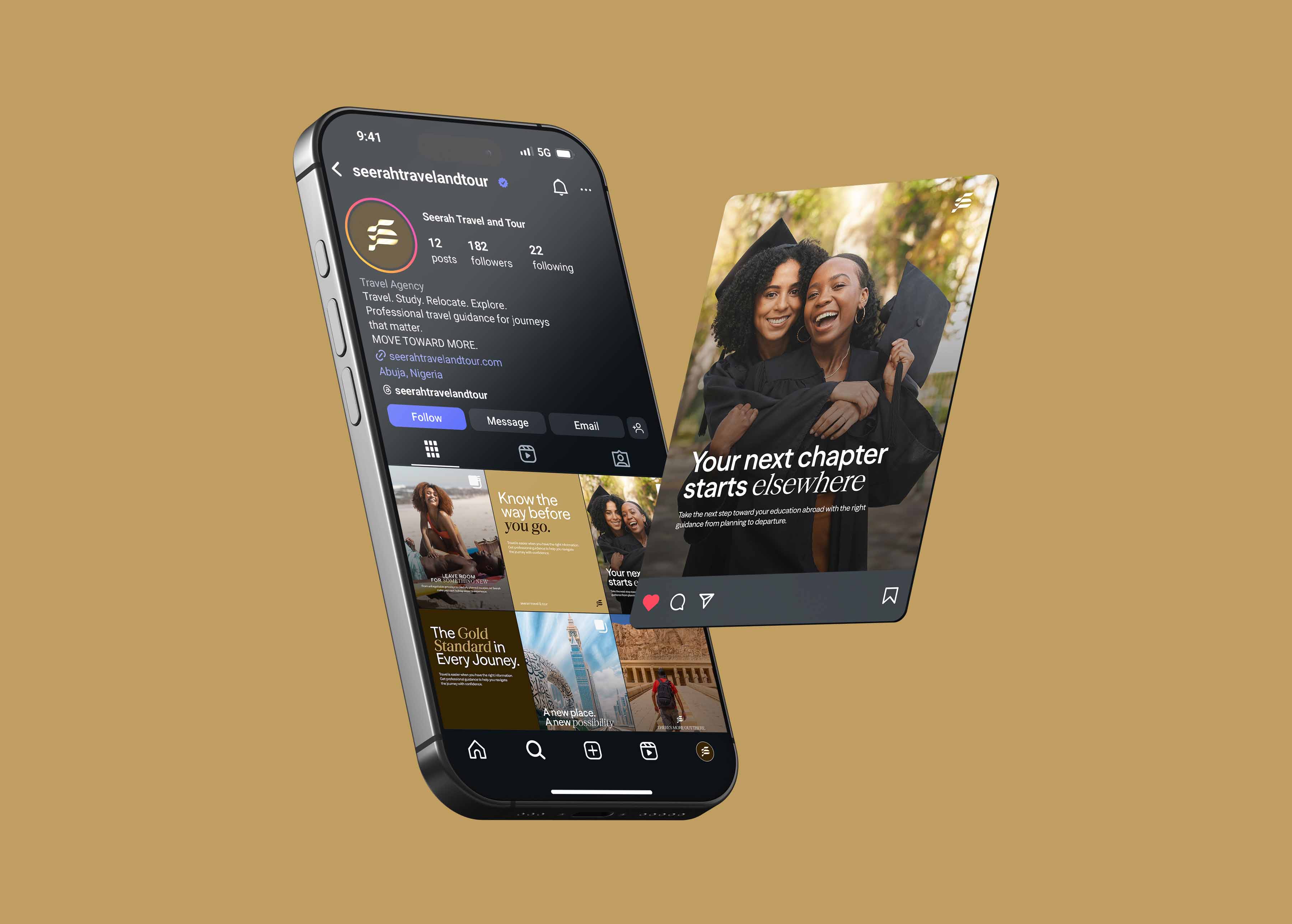


Designing for the correct social media image sizes means creating each visual at the dimensions and aspect ratio a platform expects, so your content displays sharp, uncropped, and professional instead of stretched, pixelated, or awkwardly cut off. Using the wrong Social media image sizes is one of the quickest ways to make an otherwise good brand look careless, and it happens constantly because every platform has its own specs and they change over time.
Because exact pixel dimensions shift as platforms update, this guide focuses on the durable principles and aspect ratios that keep your visuals looking right everywhere, more useful than a list of numbers that’s out of date by the time you read it.
Why getting Social media image sizes right matters
A visual designed at the wrong dimensions gets cropped, stretched, or compressed by the platform. The results are predictable and bad: heads cut off, text pushed out of frame, logos squashed, images blurred. None of it is catastrophic on its own, but collectively it signals a brand that doesn’t sweat the details, and brands that don’t sweat the small details rarely earn trust on the big ones.
Designing at the right Social media image sizes also protects your message. If your call to action or key text gets cropped out, the post fails at its job, however good the design.
Think in aspect ratios, not just pixels
Exact pixel dimensions change, but the underlying aspect ratios are far more stable. Designing with the right ratio is what keeps content from being cropped, regardless of the exact resolution. The ratios that cover almost everything:
- Square (1:1): the reliable, versatile workhorse for feed posts across most platforms.
- Portrait / vertical (4:5): takes up more vertical space in feeds, which captures more attention; increasingly preferred for feed posts.
- Full vertical (9:16): the format for stories, reels, and other full-screen vertical content.
- Landscape (16:9): for video and certain link or cover images.
If you design in these ratios and keep important content away from the edges, your visuals will display well across platforms even as exact specs evolve.
Format best practices that don’t go out of date
Beyond dimensions, a handful of principles keep your social visuals sharp and effective:
- Keep key content in the safe zone. Platforms overlay buttons, captions, and profile elements over parts of your image, especially on stories and vertical formats. Keep your important text, logo, and faces away from the edges so nothing critical gets covered.
- Design for the smallest view. Your post will often be seen small, in a scrolling feed on a phone. If it’s legible and clear at thumbnail size, it works everywhere. If it relies on fine detail, it fails on mobile.
- Export at high quality. Platforms compress images on upload. Start from a high-quality, correctly sized export so the compressed result still looks sharp. Uploading an already-small or low-quality image compounds the loss.
- Use the right file format. Use formats suited to the content, typically high-quality compressed images for photos and graphics, to balance sharpness and file size.
- Account for sound-off and motion. For video content, the vertical 9:16 ratio and on-screen captions matter as much as image sizing.
- Mind text legibility. Text on visuals should be large enough to read on a small screen, with enough contrast to stay clear over any background.
Build sizing into your template system
The sustainable way to get Social media image sizes right every time isn’t to look them up for each post; it’s to bake them into your templates. When your templates are already built at the correct ratios with safe zones marked, the team produces correctly sized content automatically. This is one more reason a template system is the backbone of consistent social media design: it removes a whole category of avoidable mistakes.
Documenting the ratios and safe-zone rules in your social media style guide keeps everyone aligned, even as platforms change.
A simple workflow
- Design at the right ratio for the format (square, portrait, vertical, or landscape).
- Keep key content in the safe zone, away from edges where overlays sit.
- Check legibility at thumbnail size before publishing.
- Export at high quality so platform compression doesn’t ruin it.
- Use templates built at correct ratios so it’s right by default.
Frequently asked questions
What are the most important social media image sizes?
Think in aspect ratios rather than exact pixels, since pixel specs change: square (1:1) and portrait (4:5) for feed posts, full vertical (9:16) for stories and reels, and landscape (16:9) for video and some covers. Designing in the right ratio prevents cropping across platforms.
Why do my social media images look blurry or cropped?
Usually because they were designed at the wrong dimensions or aspect ratio, so the platform crops or compresses them. Designing at the correct ratio, keeping key content in the safe zone, and exporting at high quality before upload prevents blurring and cropping.
What is the safe zone on a social media post?
The area of your visual that won’t be covered by platform overlays like buttons, captions, and profile elements, especially on stories and vertical formats. Keeping important text, logos, and faces within the safe zone ensures nothing critical gets hidden.
How do I keep my social media image sizes consistent across my team?
Build your social media templates at the correct aspect ratios with safe zones marked, and document the rules in your style guide. When the templates are already correctly sized, the team produces properly sized content by default, without looking up specs each time.